Viewing Your Program as a Student
You can go through your course from the left sidebar as an admin and you will be experiencing it just as a student would. If you want to create a test student account as well, you can easily do so using the 'new student' button.
You can find this page from your Creator Dashboard. See screenshot:
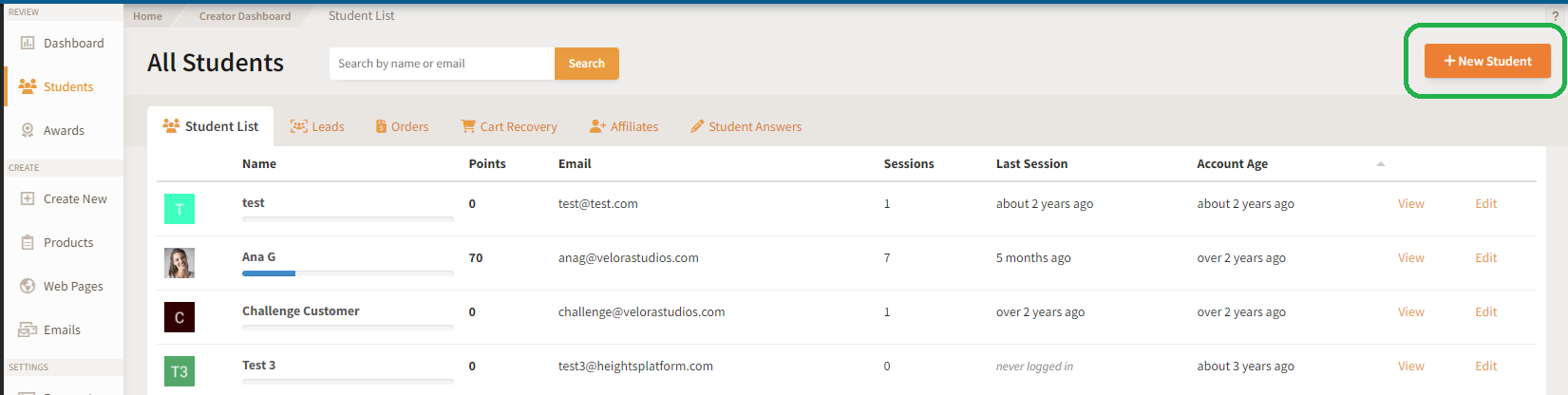
When you create a student in this way they will be automatically enrolled in your program and any paid course you choose to grant them. They will then be sent a login email with a generated password to access your program.
Was this article helpful?Help us keep our guidance useful.
Share feedback