Hide Lesson Author Display
To hide the lesson author display on all your lessons, copy the code below and paste it in your "program scripts" section of your custom code area.
<style>
.l-info-left{
   display:none;
}
</style>
You can find the custom code area in your account settings:
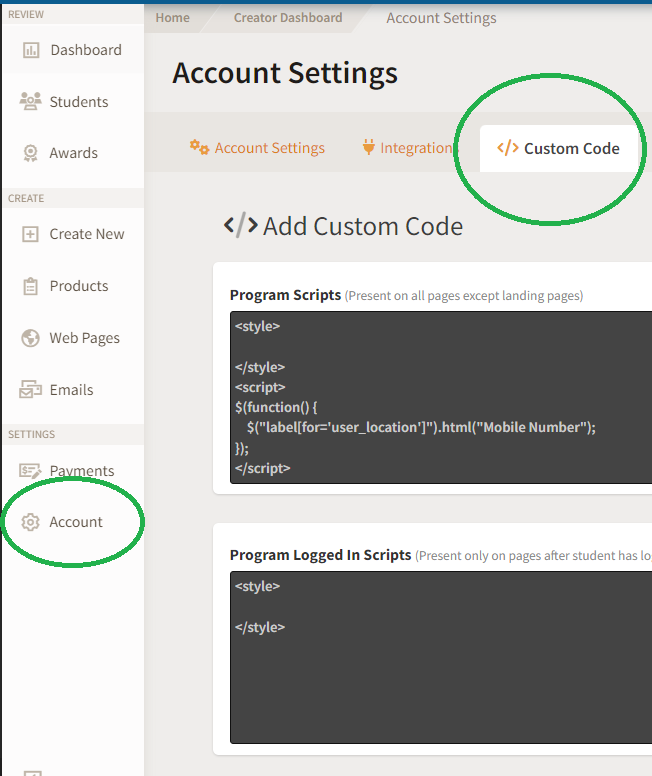
Learn more about how you can use the Custom Code feature in this article.
Was this article helpful?Help us keep our guidance useful.
Share feedback